
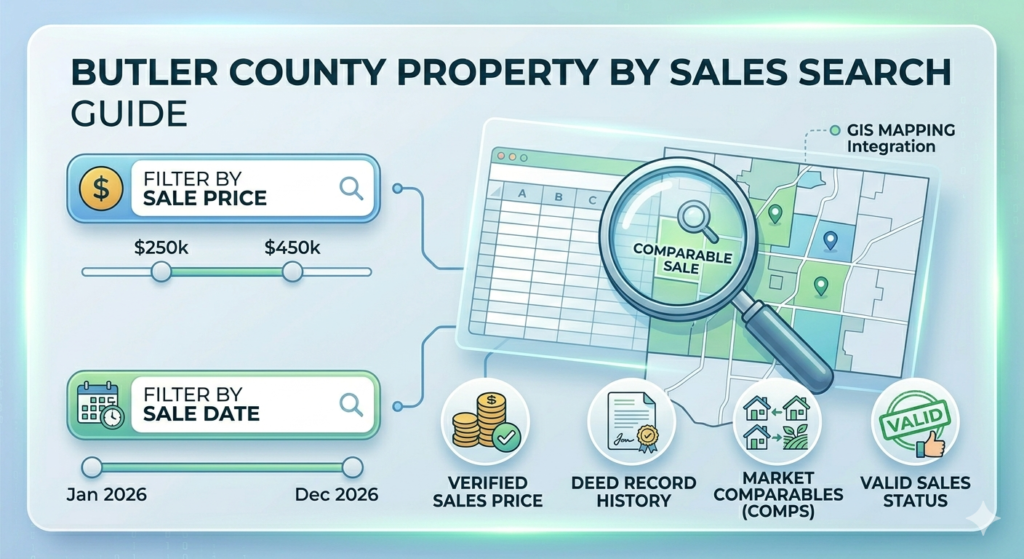
If you are analyzing real estate market trends or looking for comparable sales in Butler County, Ohio, the official Sales Search tool is your most powerful resource. This guide provides a verified walkthrough of how to access property sales records, filter by price and date, and utilize the latest 2026 data provided by the Butler County Auditor.
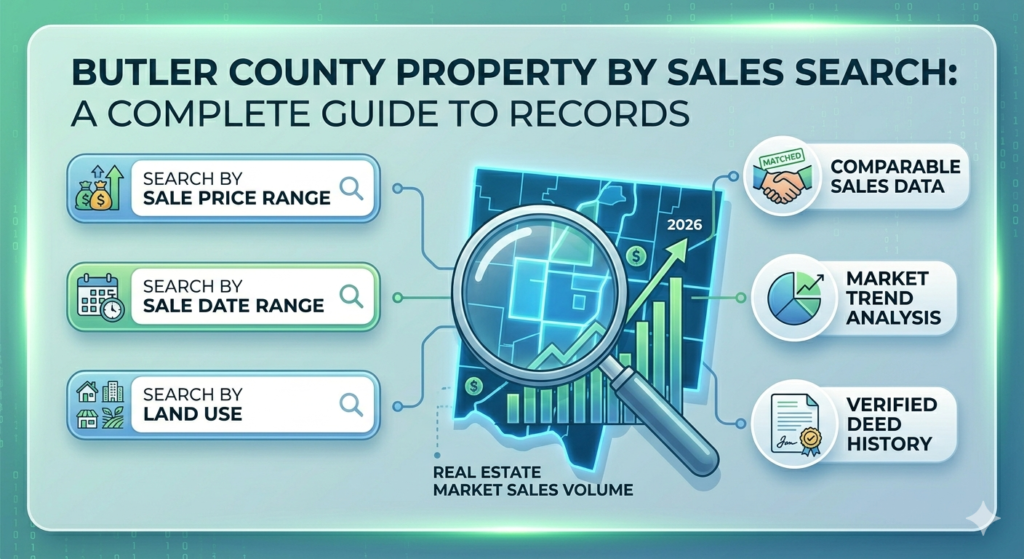
Why Use the Butler County Sales Search?
Unlike a standard address search, the Sales Search allows you to see the “bigger picture” of the local market. It is essential for:
- Determining Market Value: See what similar homes in your neighborhood actually sold for.
- Investment Research: Identify high-growth areas by tracking sales volume.
- Appraisal Preparation: Find “comparables” (comps) to support or challenge a property valuation.
How to Perform a Sales Search (Step-by-Step)
To access the official tool, visit the Butler County Auditor Sales Search portal.
1. Define the Sale Date Range
You can filter sales by specific dates. To get the most relevant 2026 data, set your “Start Date” to within the last 6–12 months.
- Tip: If you get too many results, narrow the date range to the last 90 days.
2. Set Price Constraints
Avoid irrelevant data by setting a minimum and maximum sale price.
- Example: If you are researching mid-range homes, set your filter from $250,000 to $450,000.
3. Filter by Property Type (Land Use)
Ensure you are comparing “apples to apples” by selecting the correct Land Use code:
- Residential (Code 510): Single-family homes.
- Commercial (Code 400s): Business properties.
- Agricultural (Code 100s): Farm and rural land.
4. Specify Location
You can narrow your search by School District, City, or Neighborhood Code. This is crucial because property values vary significantly between areas like Hamilton, Fairfield, and West Chester.
Advanced Search Features & Tips
- Valid Sales Only: When searching, look for the “Valid Sale” filter. This excludes non-arm’s length transactions, such as property transfers between family members or foreclosures, which don’t represent true market value.
- Wildcard Searches: Use the asterisk (
*) symbol if you aren’t sure of a subdivision name (e.g., searchingOak*will bring up Oakwood, Oaklands, etc.). - Exporting Data: The portal allows you to sort results by Sale Price or Transfer Date. You can often download these lists for offline analysis in Excel.
Conclusion
Mastering the Butler County Property Sales Search gives you a professional edge in the Ohio real estate market. By using verified Auditor records instead of third-party estimates, you ensure that your financial decisions are based on confirmed legal transfers and official tax data.
FAQs
How soon does a sale appear on the Auditor’s website?
Typically, a sale is updated on the website within 3 to 7 business days after the deed is recorded at the Butler County Recorder’s office.
What is the difference between “Appraised Value” and “Sale Price”?
The Appraised Value is the Auditor’s estimation for tax purposes, while the Sale Price is the actual amount a buyer paid for the property in the open market.
Can I find foreclosed property sales here?
Yes, but they may be marked as “Invalid” for market comparison purposes because the price is often lower than the fair market value.
Is the sales data available for all of Ohio?
This specific portal only covers Butler County. For other areas, you would need to visit the respective County Auditor’s website (e.g., Columbiana or Hamilton County).